1. Choose a clear pet photo
Pick a photo where the face, coat colors, and markings are easy to see. A close, clear view is a useful starting point. Avoid choosing a picture where your pet is distant, hidden, or difficult to distinguish from other animals.
Pawsies uses AI to turn the selected photo into pixel art. The character is an artistic interpretation, so the result may differ from the original photo.
2. Try the included game
Download Pawsies on an iPhone running iOS 16.4 or later. A demo pet and room are included for free. Try care and play to see whether you enjoy the experience before paying for personalized creation.
3. Create your companion
Open Pets and follow the in-app steps to choose your photo and create a pet. Personalized creation uses optional in-app purchases. Review the displayed price before confirming, and allow time for the result to become available.
If photo access is disabled, open iPhone Settings, find Pawsies, and check its Photos or Camera permissions. Pawsies Support has help for creation attempts and purchases.
4. Make room for them
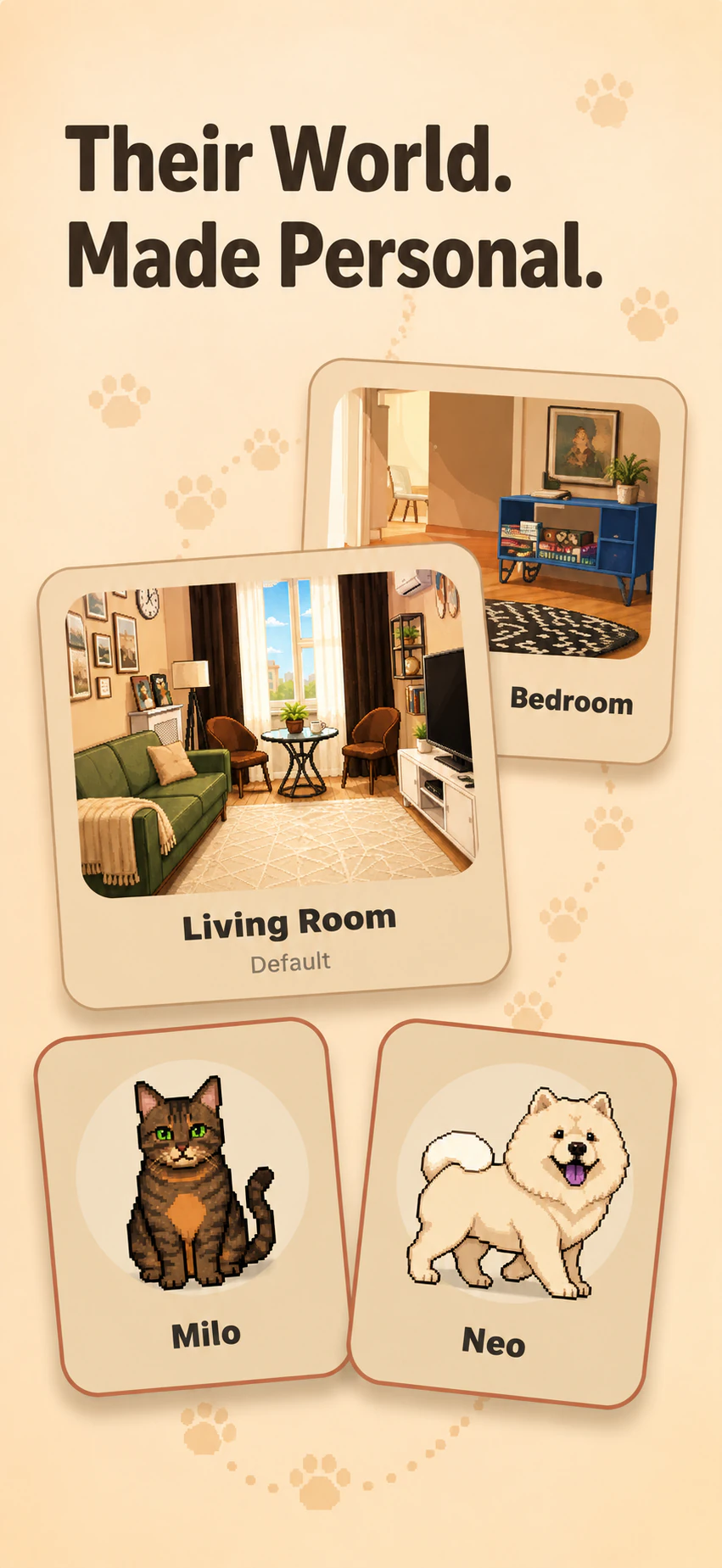
A room photo is optional. Keep the included room, or create a separate room from a photo of a familiar space. Personalized rooms include day, golden-hour, and night scenes.
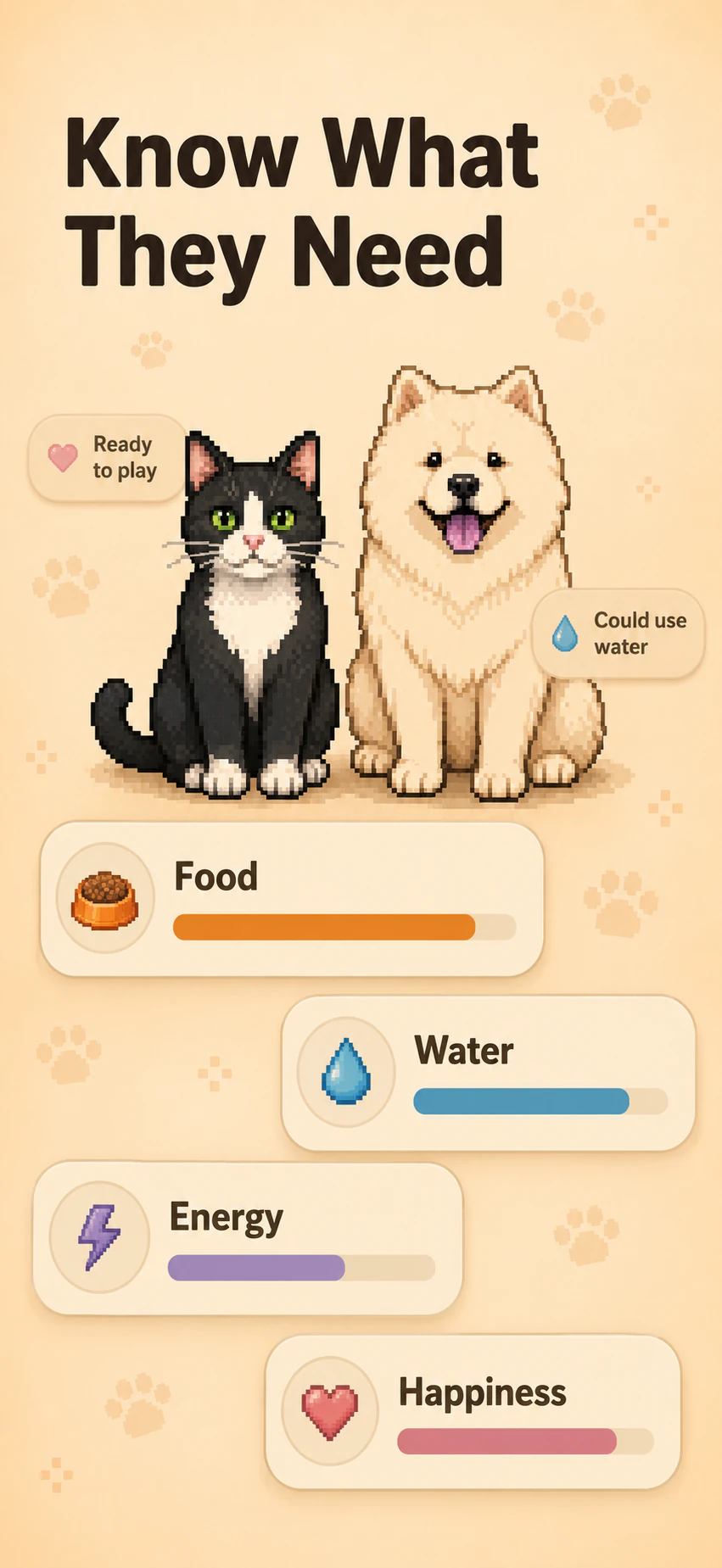
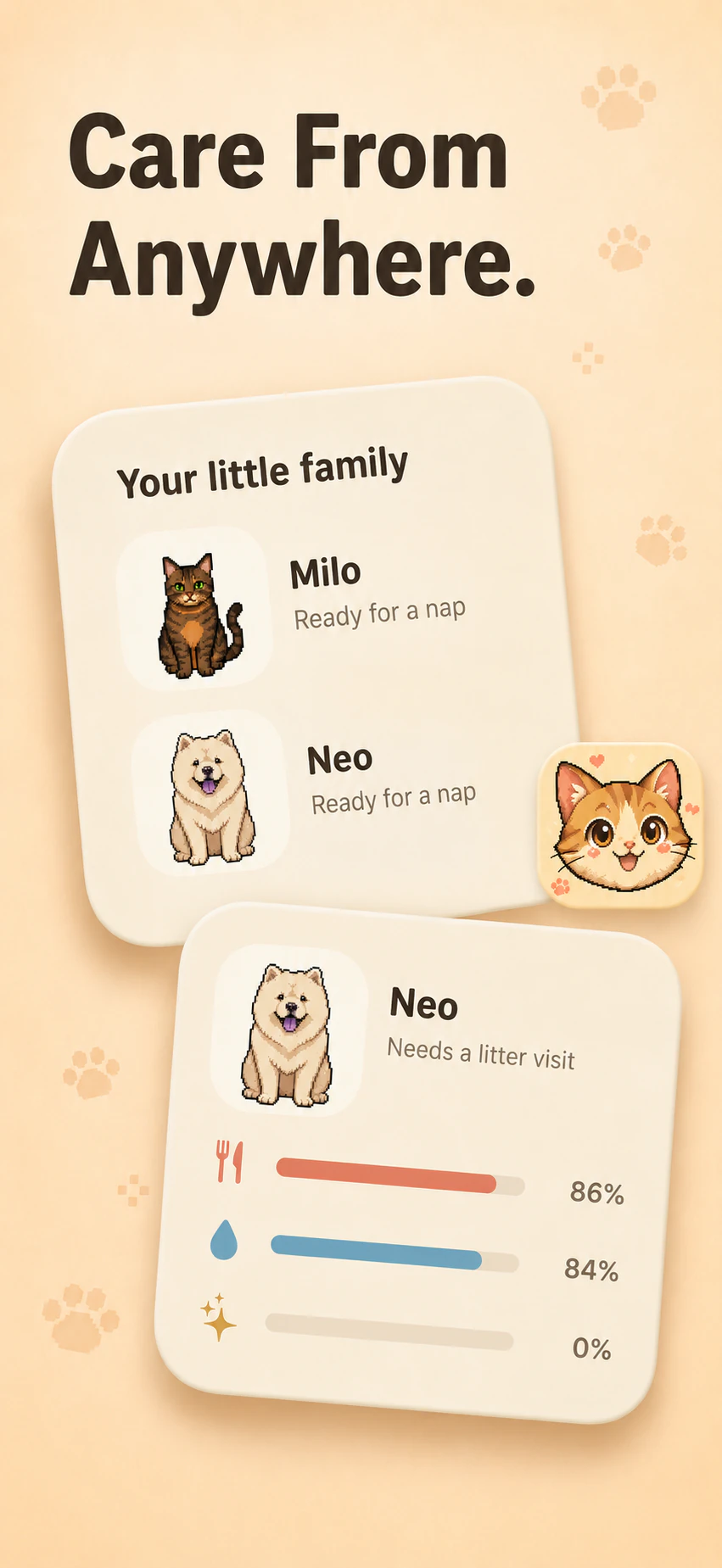
Arrange useful items and toys, then spend a little time with your companion. Watch them eat, drink, rest, and play. For care information outside the app, you can also add a Pawsies Home Screen or Lock Screen widget.